Desktop product / Case study
Warm N Dim
A Windows utility for warmer screens and brightness below the system minimum.
- Who it serves
- Windows users who want warmer screens and dimming below the system brightness minimum.
- What I built
- Developed and published Warm N Dim under EVMlord, with public source and Windows installers.
- Availability
- Windows application
Windows applicationElectron · TypeScript · Windows
Try warmth and dimming
A browser preview of the visual effect. These controls affect only the sample below, not your display settings.
Evening reading
A quieter workspace
Keep the words in focus as the light changes.
The problem
The minimum display brightness can still be uncomfortable at night. A useful solution must dim the screen without intercepting clicks or breaking multi-monitor use.
How it works
- Transparent warmth and dimming overlays sit above normal application windows.
- Click-through behavior preserves interaction with the applications underneath.
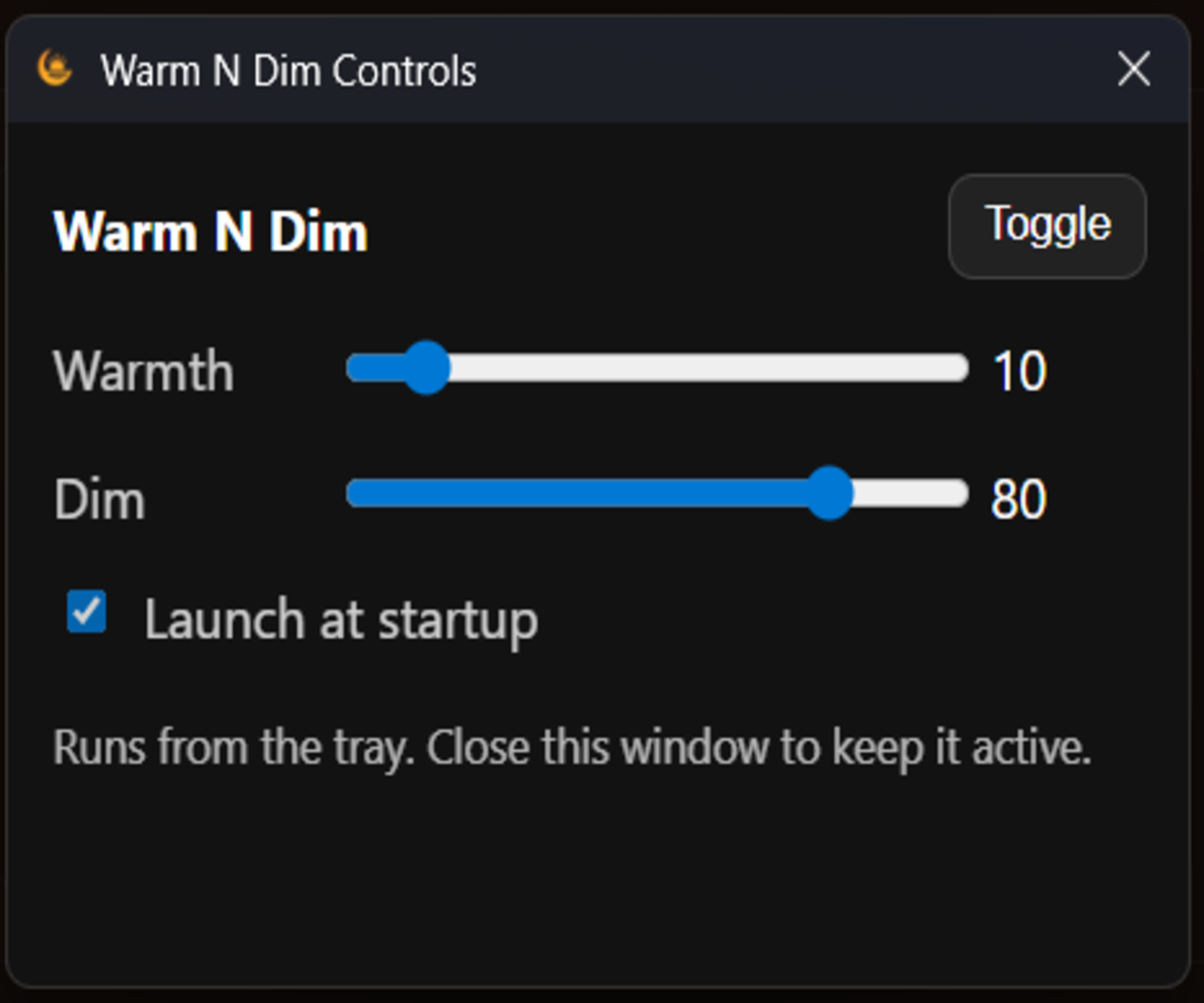
- Tray controls, persisted settings, startup integration, and GitHub-hosted updates support everyday use.
Engineering decisions
- Use overlays to adjust perceived brightness independently of the physical display backlight.
- Distribute an installable desktop product with an update path, rather than requiring users to run source code.
The result
A downloadable Windows product with a public stable release and source repository.
Current status
Overlay behavior can vary across fullscreen applications. Stable and beta releases differ; release notes are the source of truth for version-specific features.